Welcome to ViralShorts
Thank you for purchasing ViralShorts! You have just acquired the most advanced, secure, and automated short-form video engagement platform available.
This documentation will guide you through the process of installing the script on your server, configuring your admin panel, and understanding how your users will interact with the platform.
Zero-Cron Technology
ViralShorts features an advanced Auto-Cleanup Engine. You do NOT need to configure any Cron Jobs on your server. The system automatically cleans its own database using user heartbeats, keeping your site blazing fast automatically.
Server Requirements
Before installing ViralShorts, please ensure your hosting environment meets the following standard Laravel 11 requirements. Most modern cPanel hostings (Hostinger, Namecheap, Bluehost) support these out of the box.
| Requirement | Status |
|---|---|
| PHP >= 8.1.0 | Required |
| BCMath PHP Extension | Required |
| Ctype PHP Extension | Required |
| JSON PHP Extension | Required |
| Mbstring PHP Extension | Required |
| OpenSSL PHP Extension | Required |
| PDO PHP Extension | Required |
| Tokenizer PHP Extension | Required |
| symlink PHP Function | Required for Setup (Can be disabled after) |
| exec PHP Function | Required for Setup (Can be disabled after) |
Installation Guide
We have built a beautiful, automated 5-step installation wizard. You do not need to touch any code or edit any files manually.
Upload the Files & Create Database
Upload the contents of the
Upload folder to your web server (usually your public_html
directory). Then, create a new MySQL Database in your hosting panel and save the
credentials. Then goto your domain..
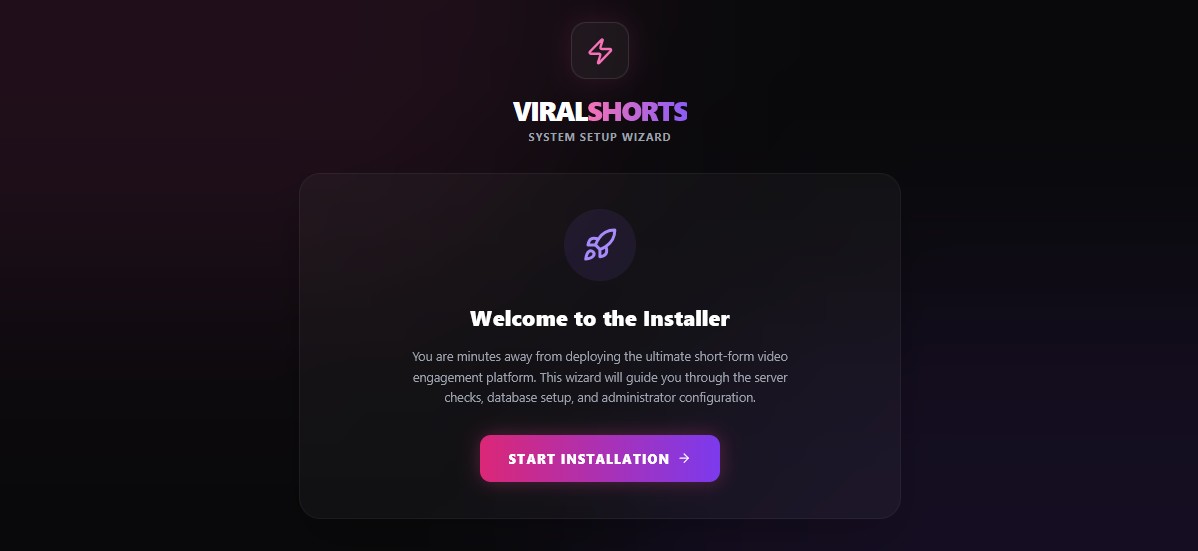
Launch the Wizard
Visit your domain in your web browser. The system will automatically detect that it is not installed and redirect you to the Welcome screen of the Setup Wizard.
Server Verification & Permissions
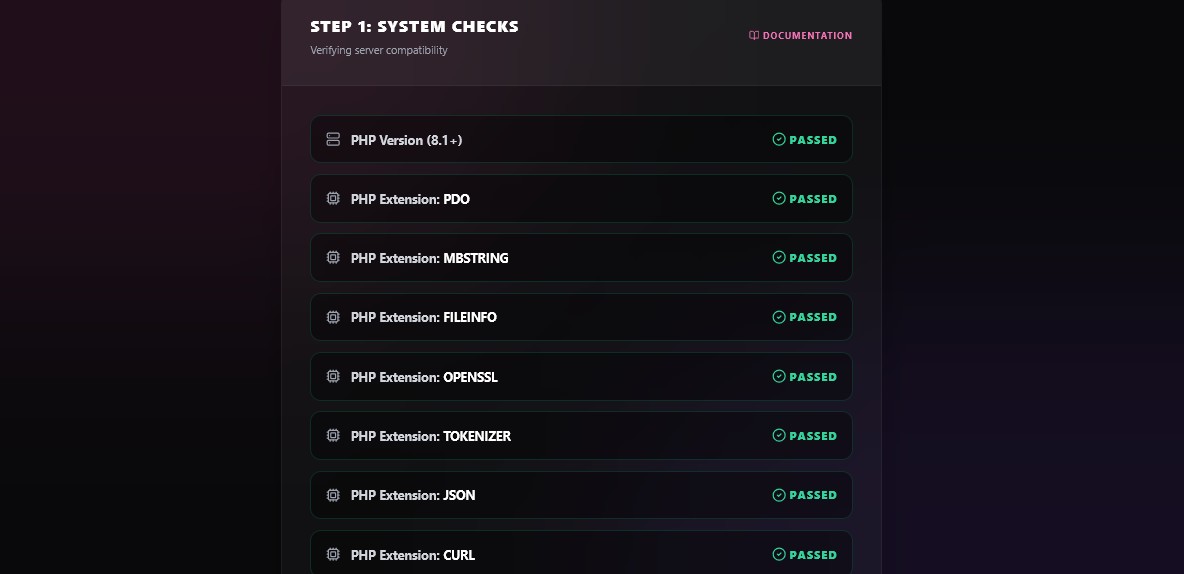
The installer will automatically
check
your server to ensure all required PHP extensions (like symlink and
exec) are enabled and folder permissions are correct.
Database Configuration
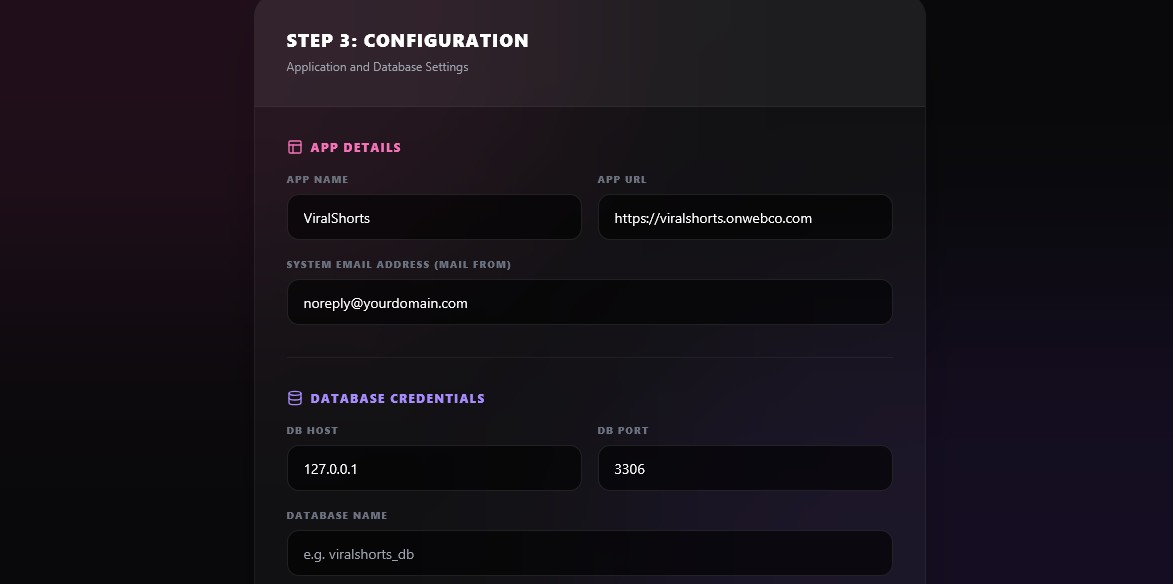
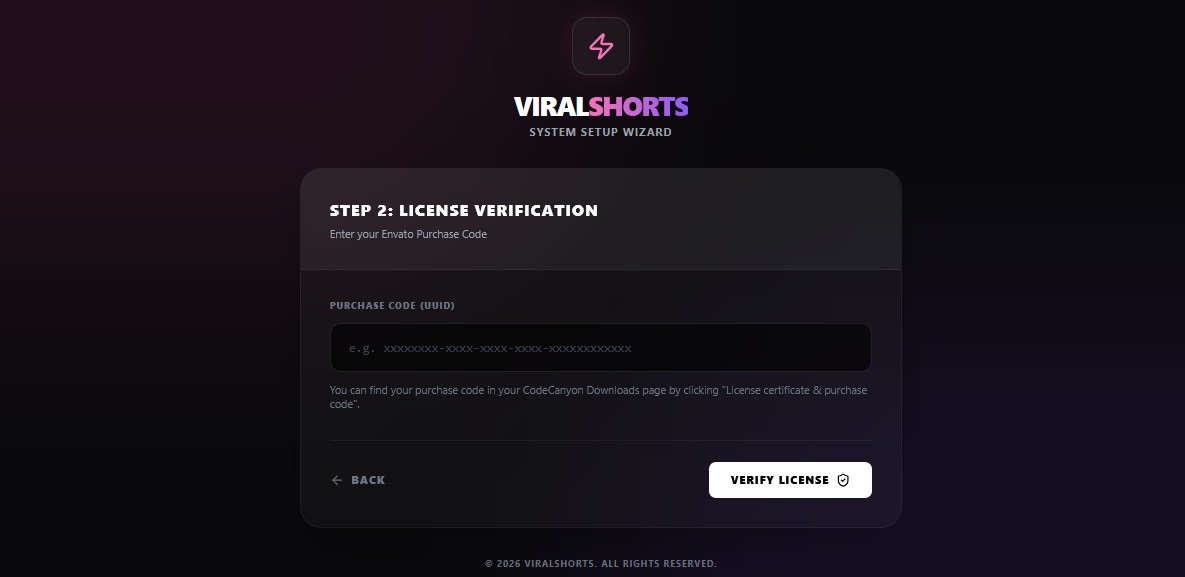
Enter your Envato Purchase Code to verify your license. Then, input the database credentials you created in Step 1. The wizard will securely build your database tables.
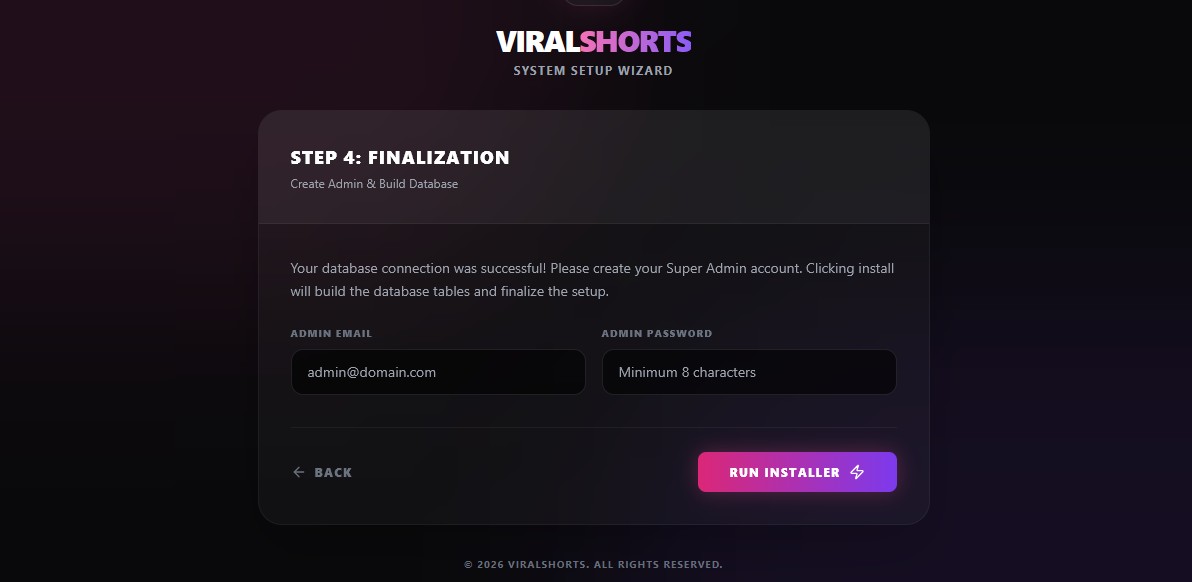
Create Admin Account
Set up your primary Admin account credentials. Make sure to use a secure password to protect your command center.
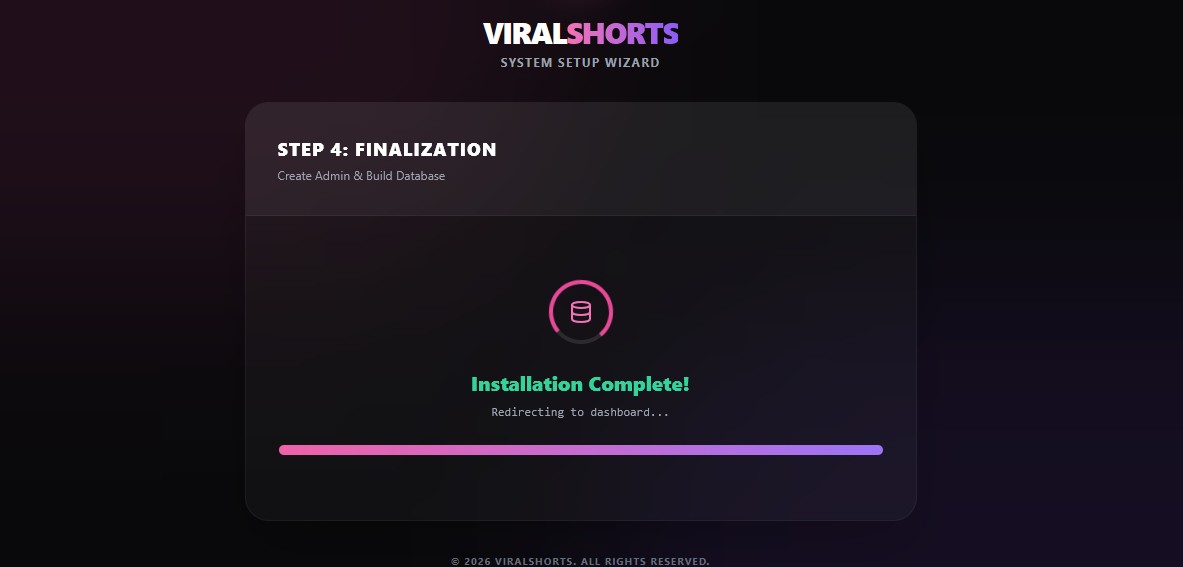
Installation Complete
Congratulations! Your platform is officially installed and the database is configured. You can now log in and launch your network!
Troubleshooting & Common Issues
If you experience any issues during installation or usage, check these common server configurations.
1. Installer Fails or "Link Storage" Error (Symlink Issue)
Symptom: The installer gets stuck on the requirements step, uploaded images are broken, or clicking "Link Storage" in the Admin panel throws a 500 Server Error.
Cause:
Shared
hosting providers disable the PHP symlink function by default for security,
which
Laravel needs to display uploaded images.
The Fix:
- Log into your hosting control panel (cPanel).
- Go to Select PHP Version -> Options.
- Find the
disable_functionsfield. - Remove the word symlink from the list and save.
2. Database Migrations Won't Run (Exec Issue)
Symptom: The Web Installer cannot build the database tables during Step 4.
Cause: Our
automated installer uses Laravel's Artisan commands in the background. If your server
blocks the
exec function, the installer cannot run.
The Fix:
- Go to your cPanel's PHP Options (same place as the symlink fix).
- Find the
disable_functionsfield. - Remove the word exec from the list.
- Note: You can safely put
execback in the disabled list after the installation is complete!
3. Images Uploading to Wrong Folder (Shared Hosting Path Issue)
Symptom: You upload a logo or avatar, but it doesn't show up, and the file ends up hidden outside your main public folder.
Cause:
Laravel
expects your web root to be named public. If you are on shared hosting
where your
main folder is public_html, Laravel gets confused about where to save
files.
The Fix:
- Open your File Manager and locate your
index.phpfile. - Open it in a text editor and add this line of code right after the `require` statements:
$app->usePublicPath(__DIR__);- This explicitly tells the script that your current folder is the correct public directory.
4. "500 Server Error" Immediately After User Registration
Symptom: When a new user tries to sign up, the page crashes with a white screen or a 500 error.
Cause: The system is trying to send a Welcome/Verification email, but your SMTP settings are empty or incorrect.
The Fix:
- Log into the Admin Panel.
- Navigate to Settings -> Mail Settings.
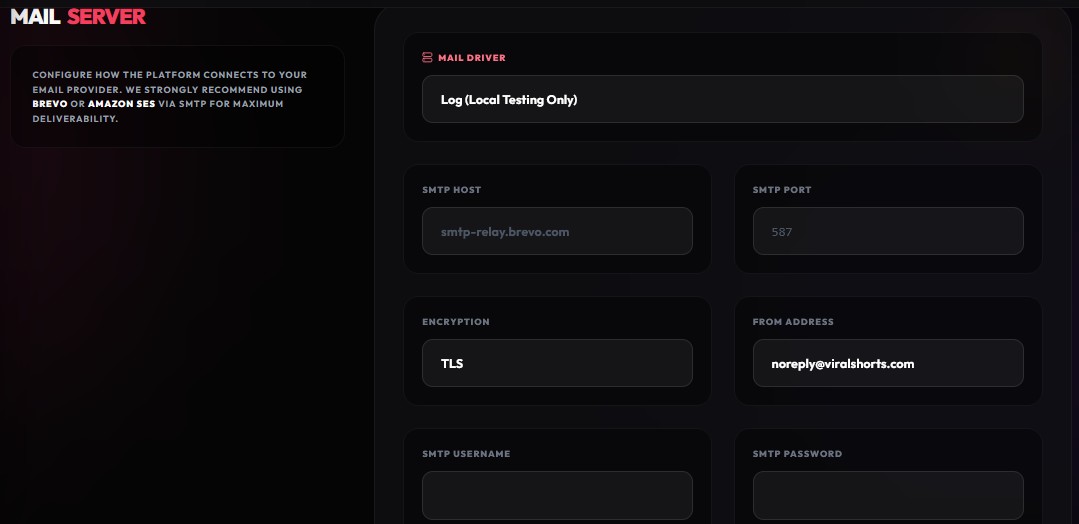
- Input your valid SMTP credentials (Host, Port, Username, Password).
- Note: If you just want to test without sending emails, edit your
.envfile and setMAIL_MAILER=log.
Admin: Core Overview
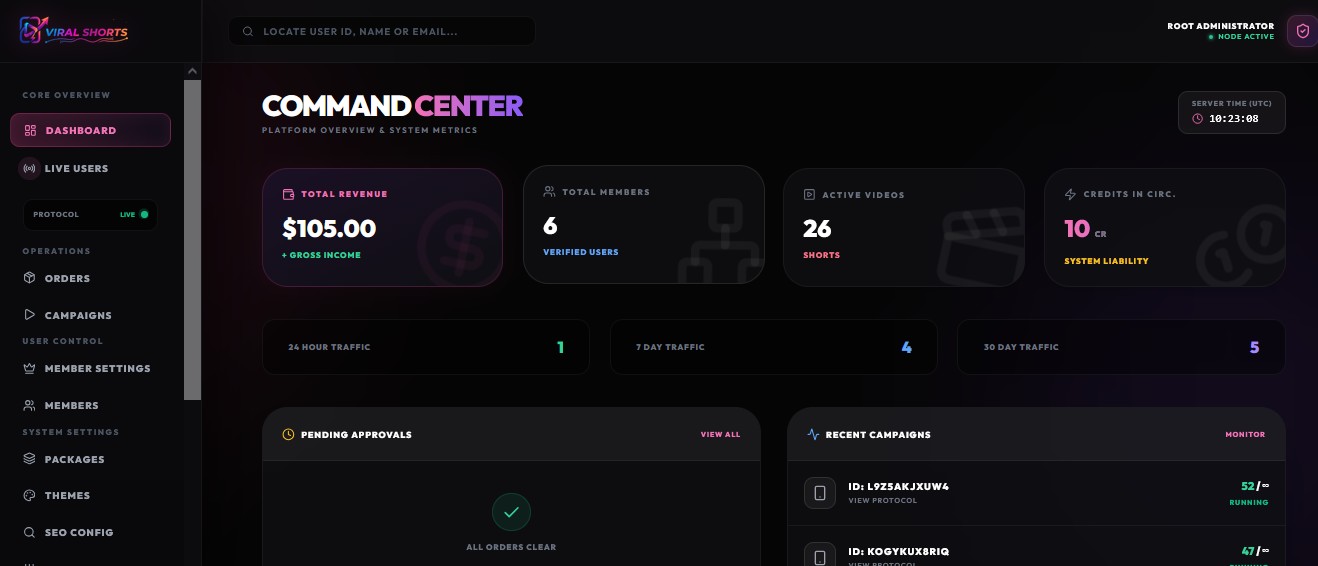
The Admin Panel is your command center. From here, you can monitor the real-time health of your platform, manage user campaigns, and oversee financial operations.
Dashboard
Your high-level overview. View essential daily metrics, total user counts, active campaigns, and a snapshot of recent revenue and site activity.
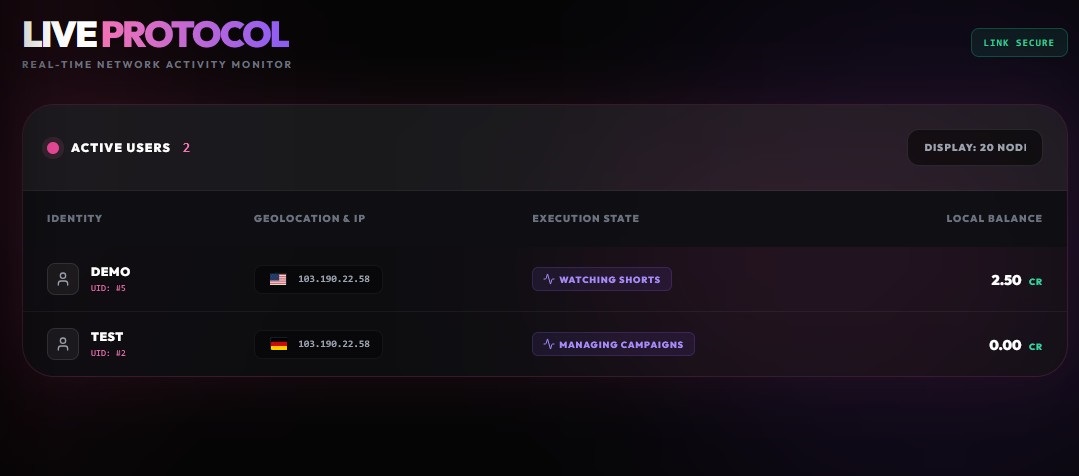
Live Users
Tap directly into the real-time heartbeat of your platform. Watch users connect, view exactly who is surfing, and monitor active traffic exchanges as they happen.
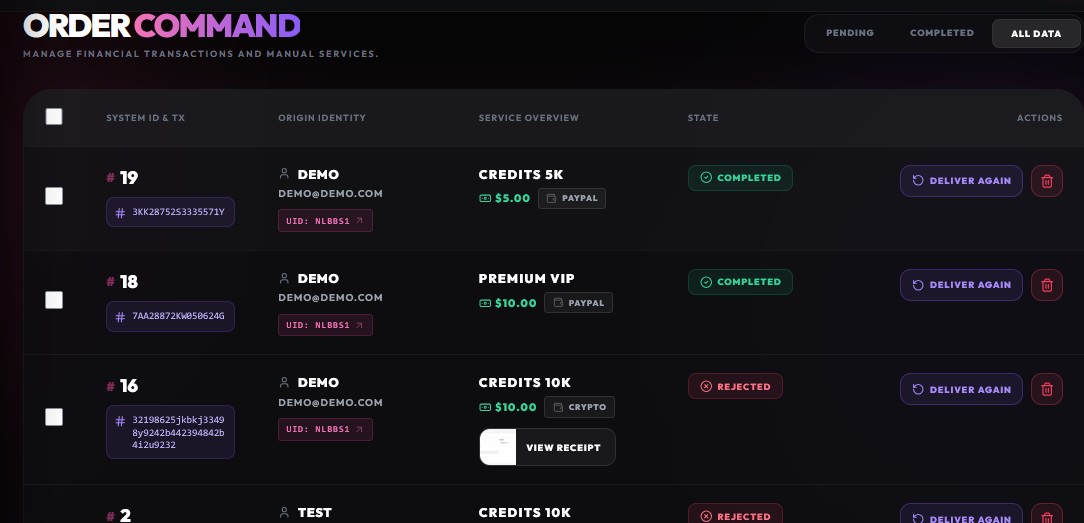
Orders
Your financial hub. Track all user payments, manage premium package purchases, verify manual crypto transaction IDs, and monitor your platform's cash flow.
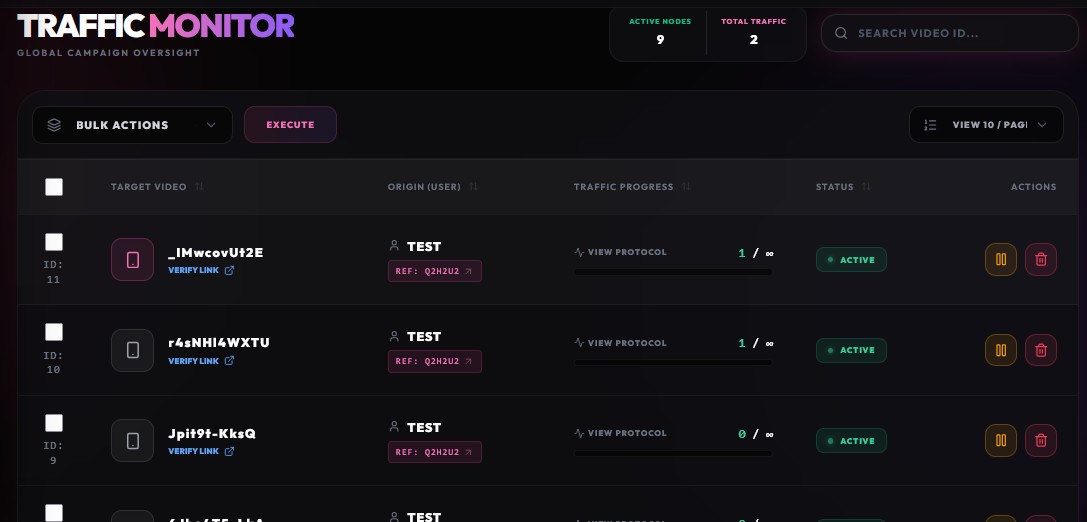
Campaigns
Total content control. Review user-submitted video campaigns, approve or reject specific links, and ensure all traffic flowing through your system meets your quality standards.
Admin: User Control
Manage your community effortlessly. This section gives you granular control over individual accounts and global membership rules.
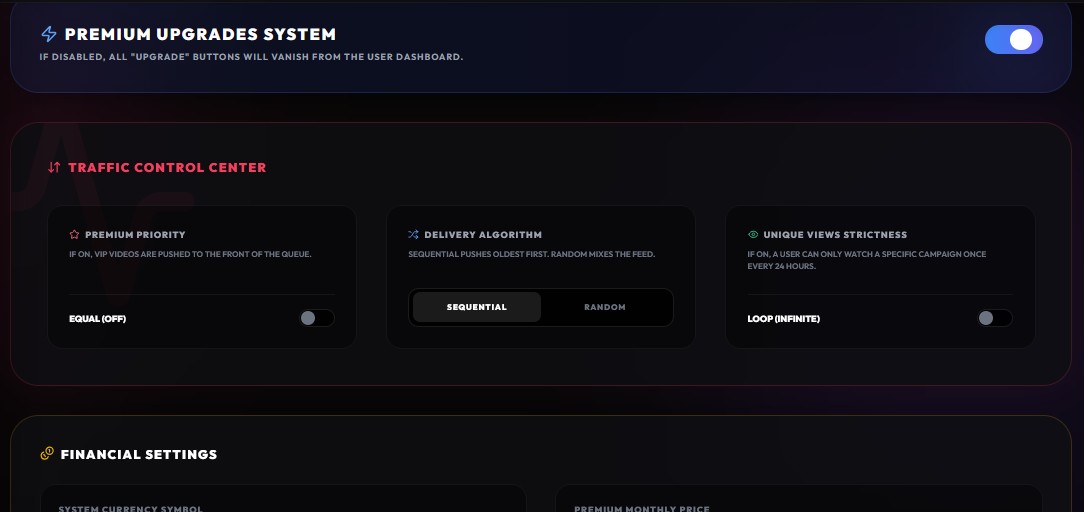
Member Settings
Define the global rules for your community. Set default starting balances for new signups, configure referral bonus structures, and establish account limitations.
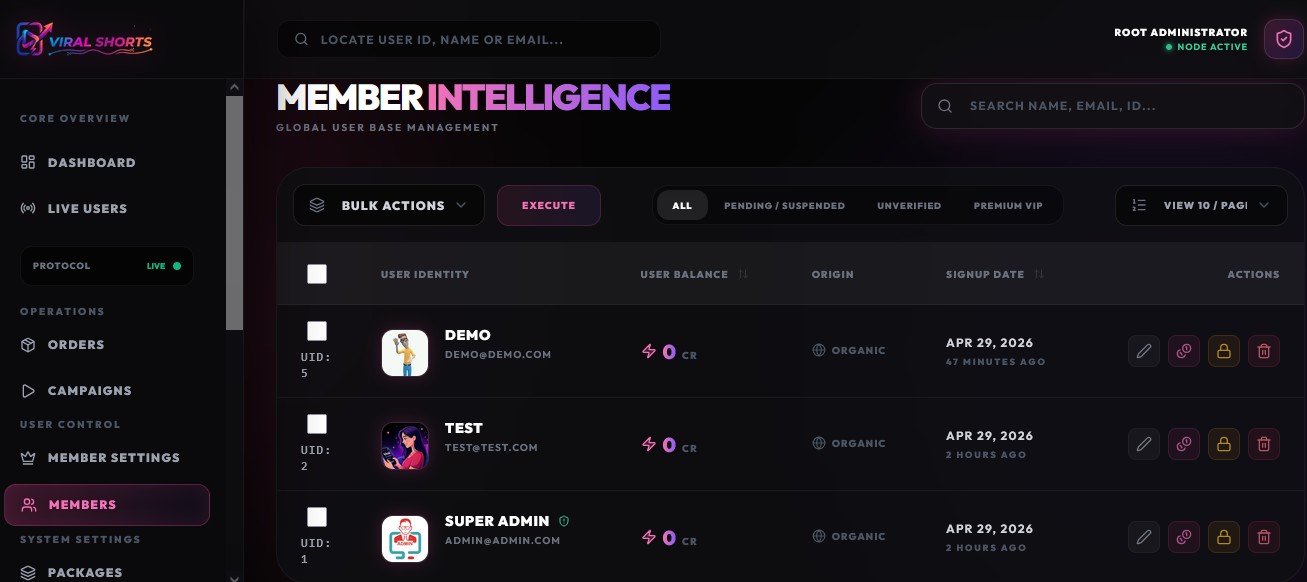
Members List
The complete user database. Search for specific users, view their point balances, edit their profiles, assign VIP status, or suspend accounts that violate your terms of service.
Admin: System Settings
The core engine configuration. Customize the look, feel, security, and functionality of ViralShorts without ever touching a line of code.
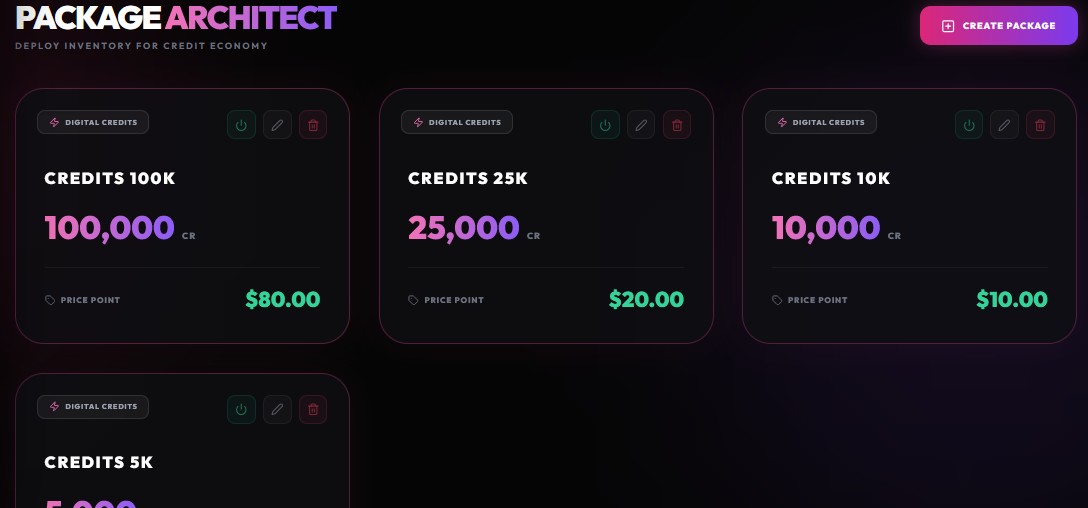
Packages
Create and modify the pricing tiers for your platform. Define how many points or VIP features users receive when purchasing credits.
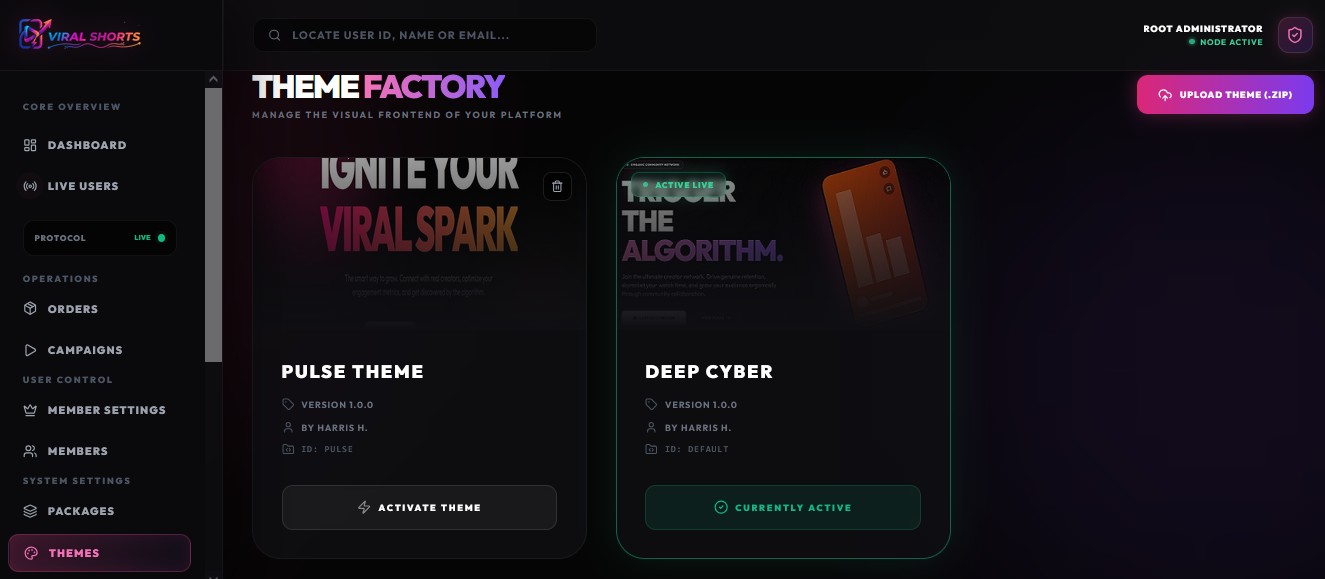
Themes
Brand your platform. Upload your site logos, favicons, and manage the visual aesthetics of the user interface.
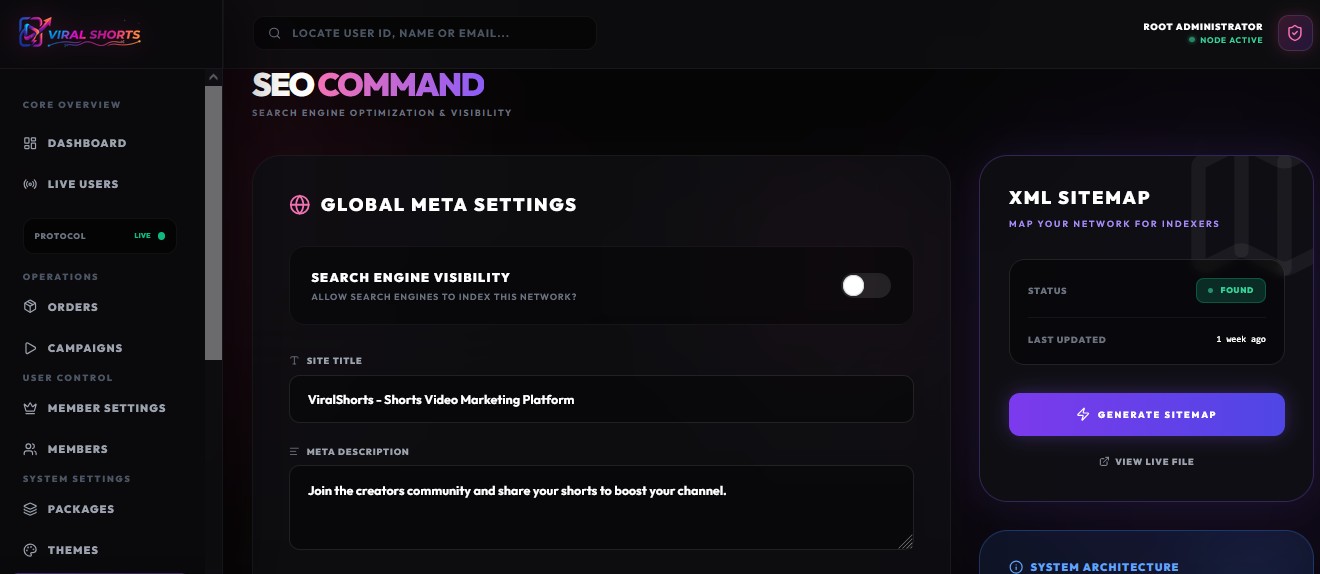
SEO Config
Optimize for Google. Set your meta tags, site descriptions, and Open Graph configurations for perfect social media sharing.
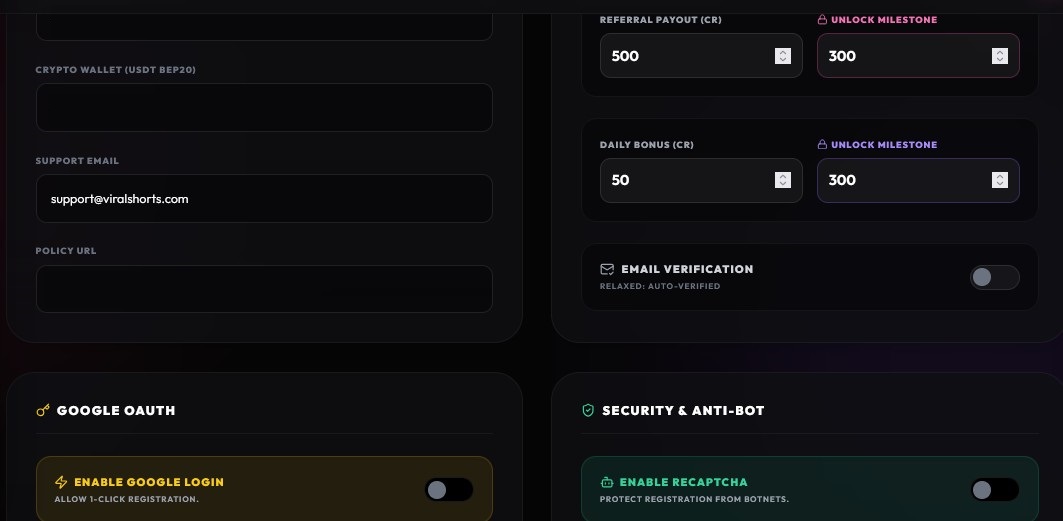
Global Settings
The master configuration. Set your Site Name, adjust timezone settings, input Google reCAPTCHA keys, and toggle core features like maintenance mode.
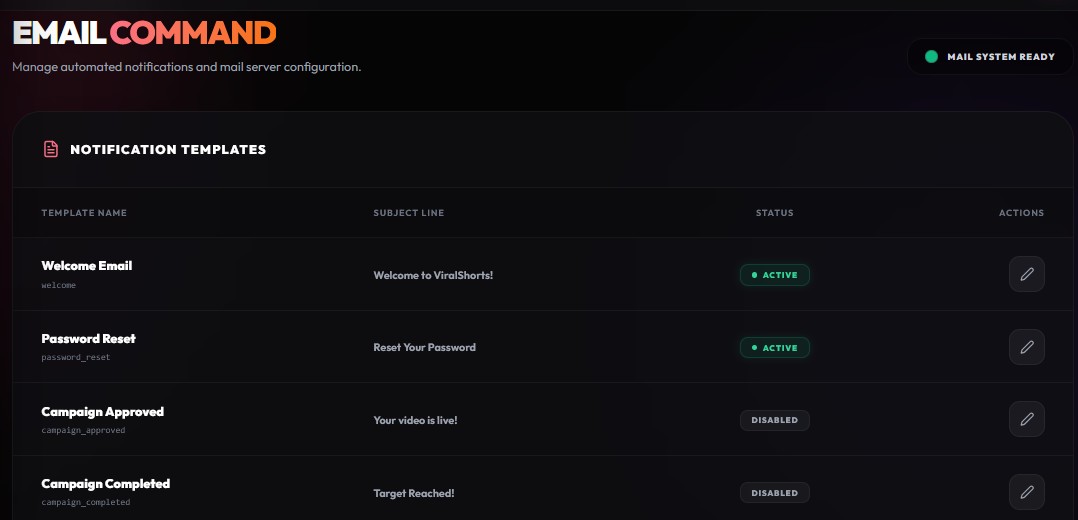
Mail Settings
Ensure reliable delivery. First, customize your email templates for welcomes and password resets. Then, configure your SMTP server credentials to route the outgoing mail.
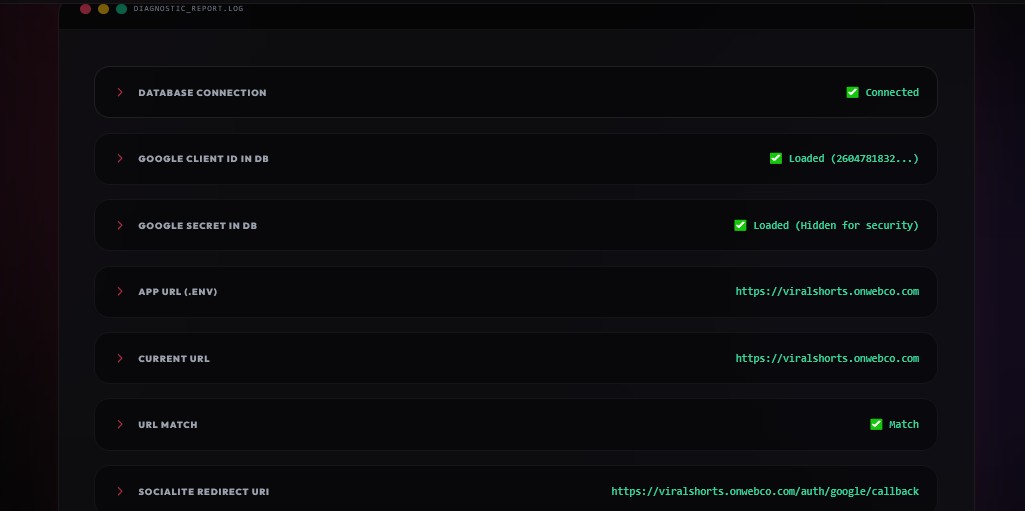
Engine Health
Monitor your server's performance. Clear application caches with a single click and view detailed system logs to ensure everything runs smoothly.
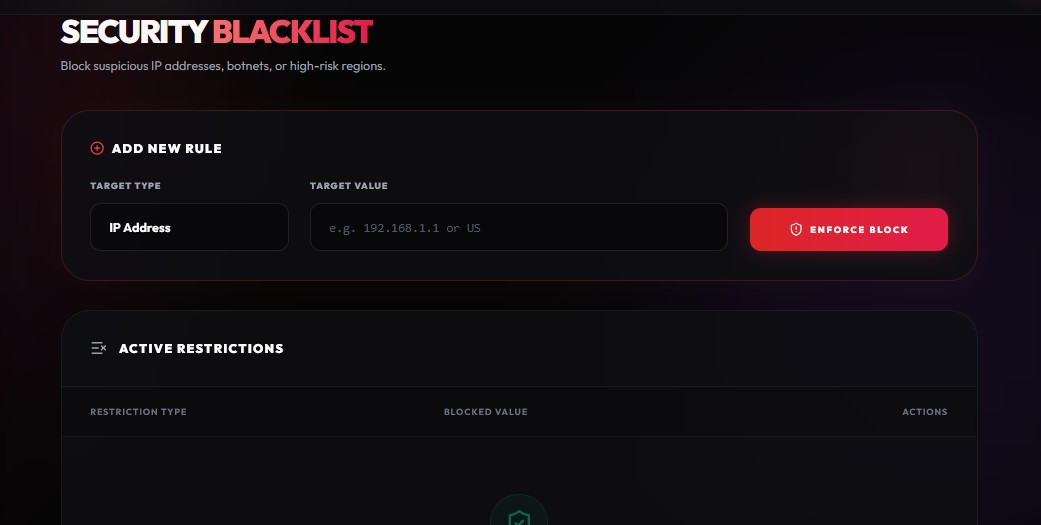
Ban Options
Protect your network. Blacklist abusive IP addresses instantly to maintain a high-quality traffic exchange environment.
User: Main Operations
The Main Operations hub is where your users will spend the majority of their time. It is designed to be intuitive, allowing seamless transitions between earning credits and promoting content.
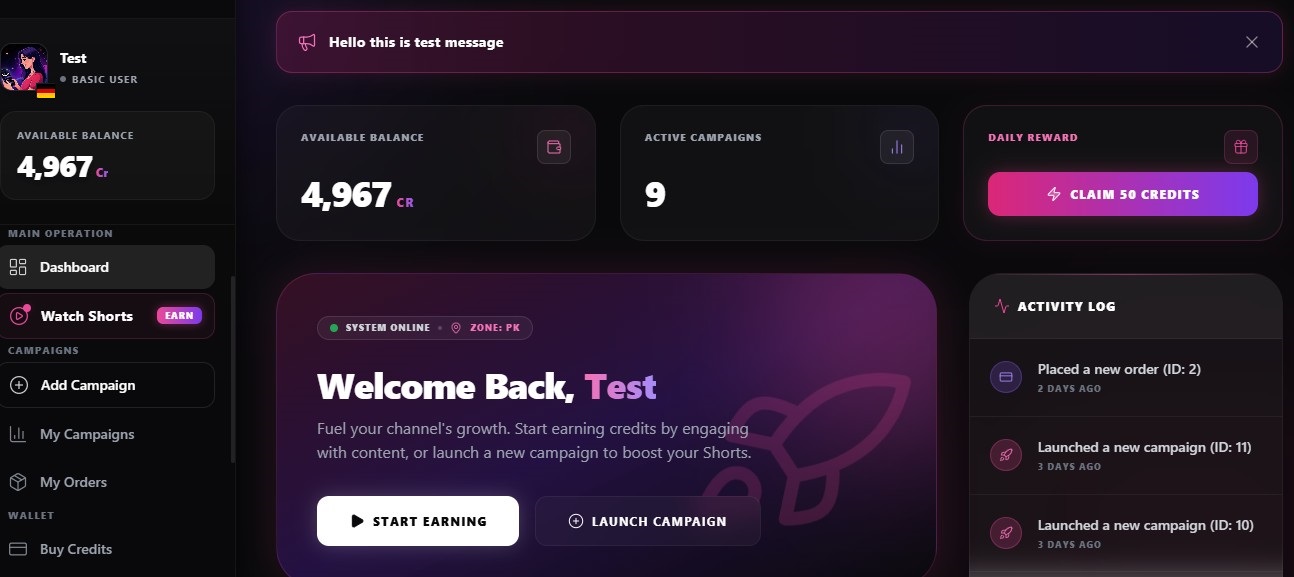
Dashboard
Welcome home. The Dashboard gives users an instant snapshot of their available credits, active campaigns, and account status. It’s designed to be clean, distraction-free, and hyper-focused on getting them into the action.
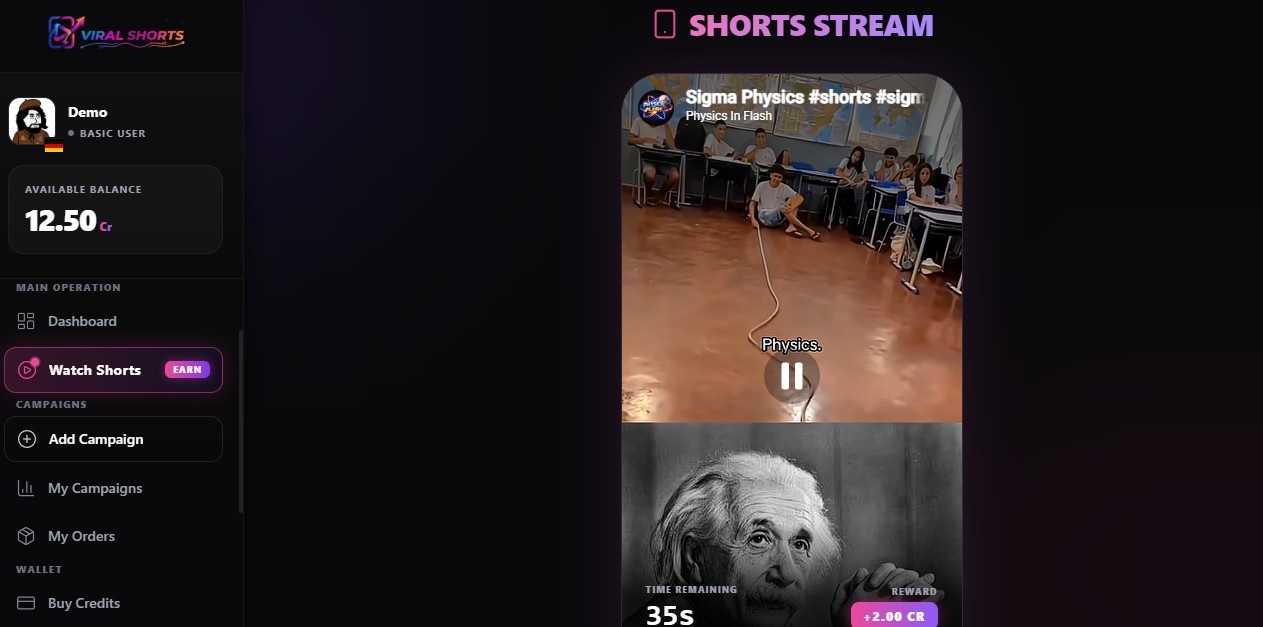
Watch Shorts (Earn)
The heartbeat of the network. Users jump into the automated, anti-cheat protected player to surf community content. Every successfully watched Short deposits credits directly into their secure vault.
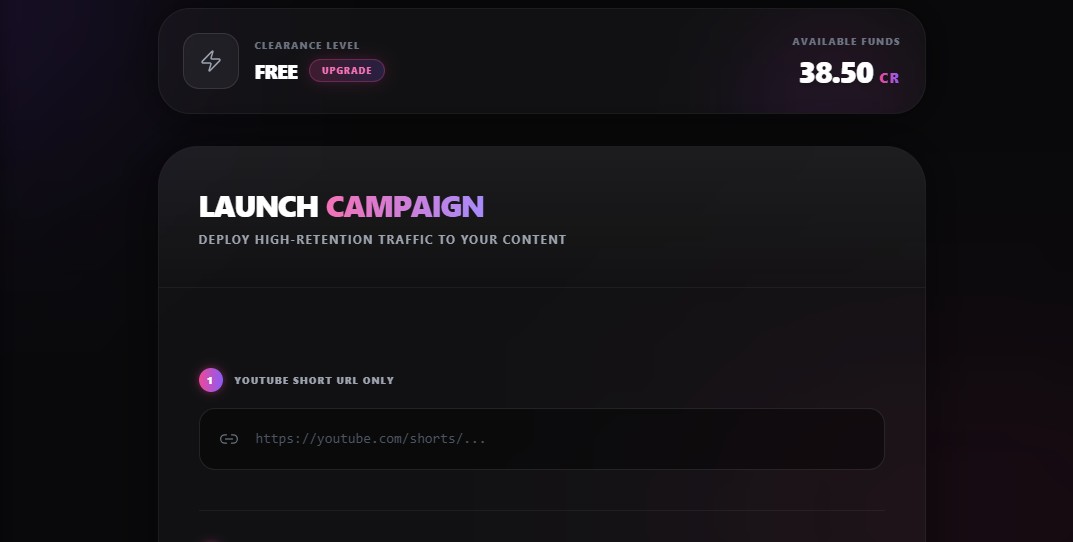
Add Campaign
Time to feed the algorithm. Here, users submit their own YouTube Shorts URLs, allocate their hard-earned credits, and set their desired watch-time parameters to trigger massive organic growth.
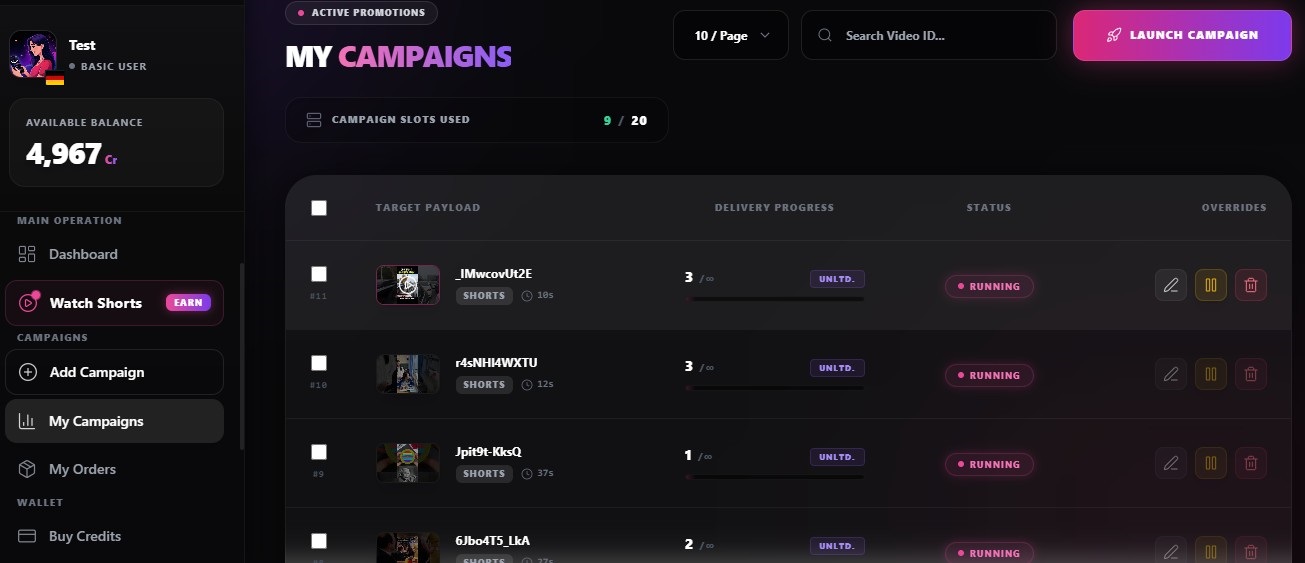
My Campaigns
Real-time traffic tracking. Users can monitor exactly how many views their campaigns have received, pause traffic on the fly, or inject more credits to keep the momentum going.
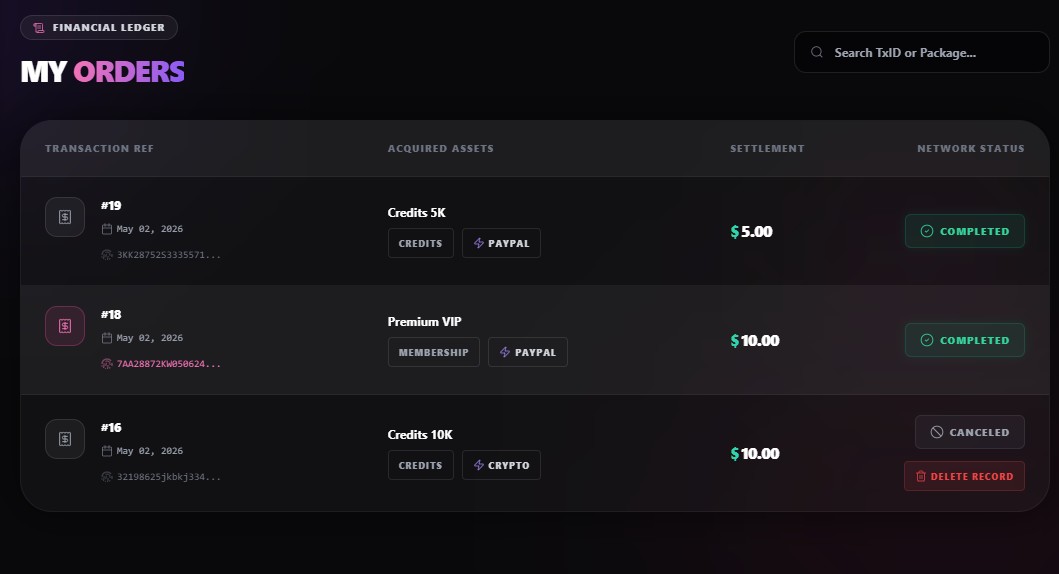
My Orders
Complete financial transparency. A clean ledger showing every credit package purchased or premium subscription activated, ensuring users always know where their investments are going.
User: Wallet & Account
Everything the user needs to manage their account security, build their affiliate downline, and fast-track their success by purchasing credits directly.
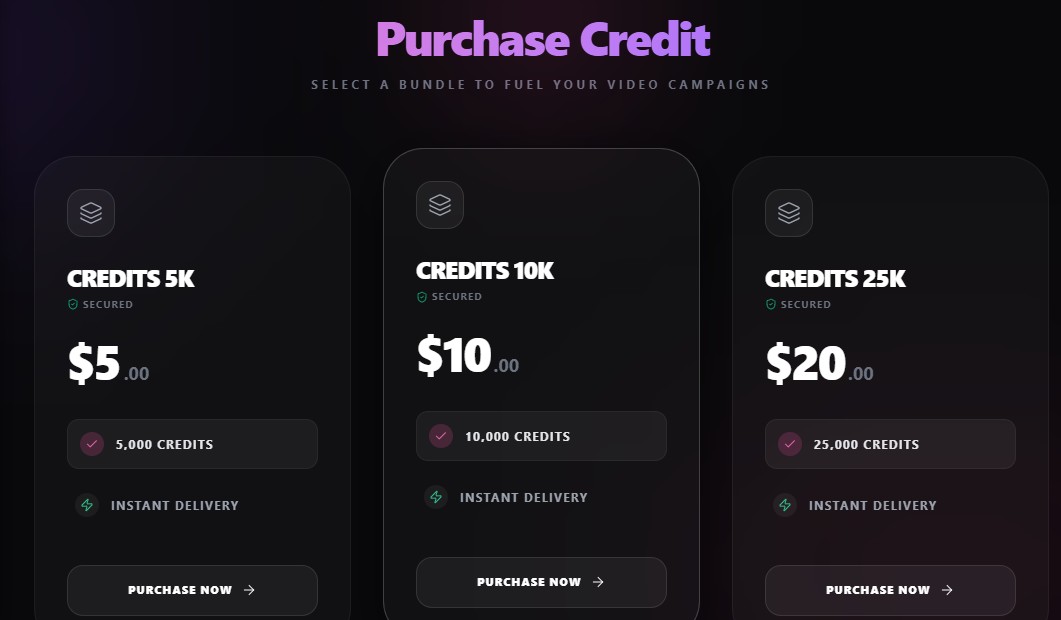
Buy Credits
The ultimate fast-track. For users who want massive traffic without spending time surfing, this secure checkout portal lets them buy credit packages instantly using their preferred payment methods.
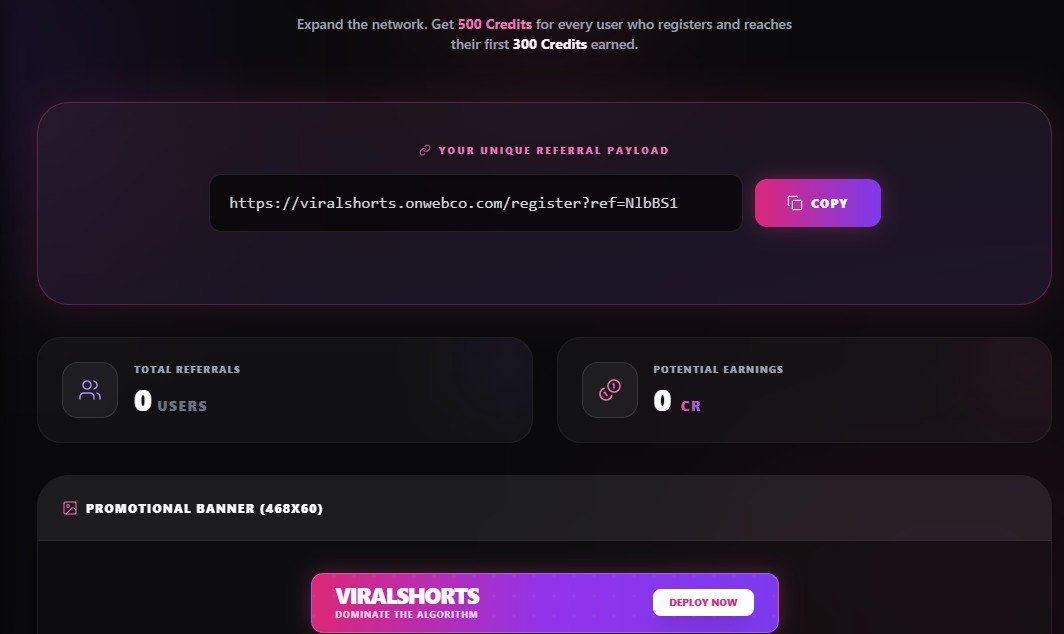
My Referrals
Passive income, unlocked. Users can copy their unique affiliate link here. Every time an invited friend surfs videos, the referrer earns a percentage of credits automatically while they sleep.
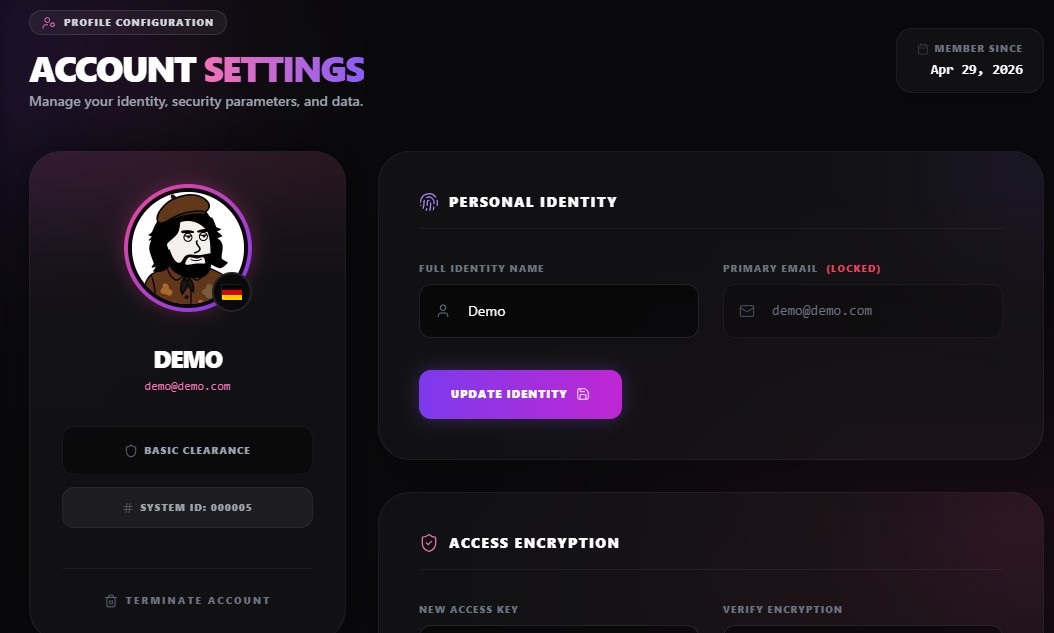
My Profile
The personal configuration hub. Users can update their passwords, manage their avatars, and ensure their contact details are up to date for crucial system notifications.
My Sessions
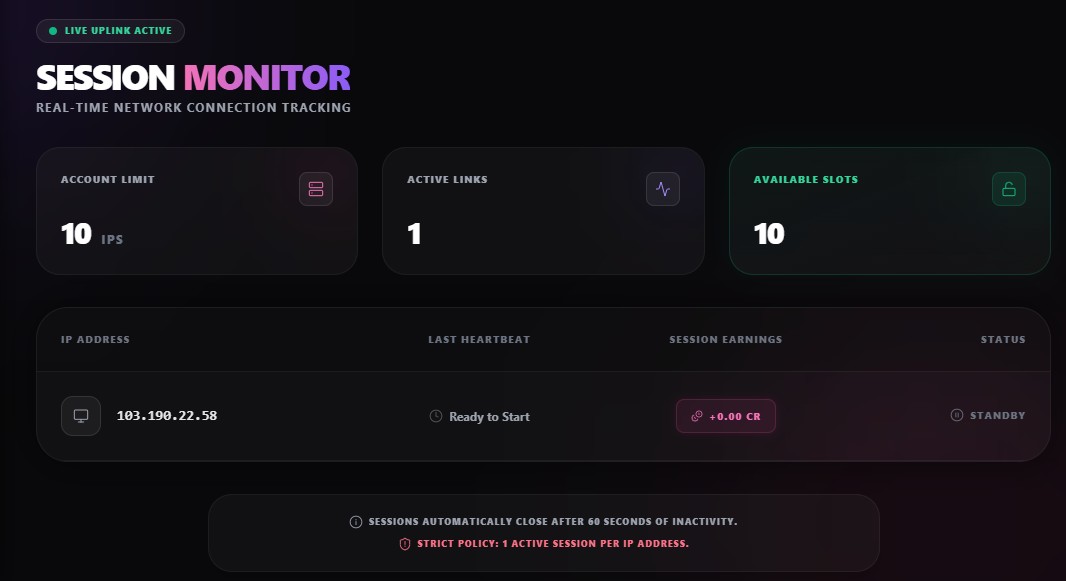
Bank-grade account security. Users can see exactly which devices, browsers, and IP addresses are actively logged into their account, allowing them to instantly kill suspicious sessions remotely.
Ready to Go Viral?
You have completed the documentation. Your platform is fully configured, secured, and ready to dominate the algorithm.
Support & Contact
Need Assistance?
We are dedicated to ensuring your platform runs flawlessly. If you have followed this documentation and are still experiencing issues, we are here to help.
About the Developer
ViralShorts is engineered with precision, backed by over 12 years of professional software development and digital marketing experience.
We are here for the long haul. As full-time developers, we are actively maintaining this project. We are already working on exciting new features, including brand new front-end themes and expanded payment gateways.
Need Custom Development? Let's TalkCredits & Open Source
We would like to thank the developers of the following brilliant open-source projects that helped make ViralShorts possible.
Changelog
- System initialization and core architecture.
- Automated Anti-Cheat Engine integration.
- PayPal & Crypto payment gateways active.
- Zero-cron database sweeper deployed.